


VooDoo5 tweak guide

VooDooSource ha pubblicato una completa guida al tweaking della scheda VooDoo5 5500, partendo dai settaggi del bios arrivando all'overclocking della scheda; trovate l'articolo a questo indirizzo
Level of Detail Bias - This control changes the Level of Detail (LOD) bias used for MIP mapping. Moving the slider control will either add or subtract a bias from the LOD computed during MIP mapping, making textures appear either sharper or blurrier. Adding bias can result in improved visual detail, but may reduce performance accordingly. Also, excessive bias can result in texture aliasing.
Recommended setting= "No FSAA= -6 / 2x FSAA= -10 / 4x FSAA= -12"
Maximum Buffered Frames - This allows you to limit the number of pending swap buffers to 0, 1, 2, or 3. A higher number of pending swap buffers can slow the system's response to input as all of the pending swap buffers are processed before the system proceeds to the next operation. Higher swaps leads to potentially higher frame rates, but at the same time increasing latency (waiting for the card to draw the frame).
Recommended setting= "1 Buffered Frames


 Recensione Samsung Galaxy Z Fold8 Ultra: il pieghevole più famoso diventa quasi perfetto
 Insta360 X6: Dolby Vision, 8K e montaggio "Zero Editing"
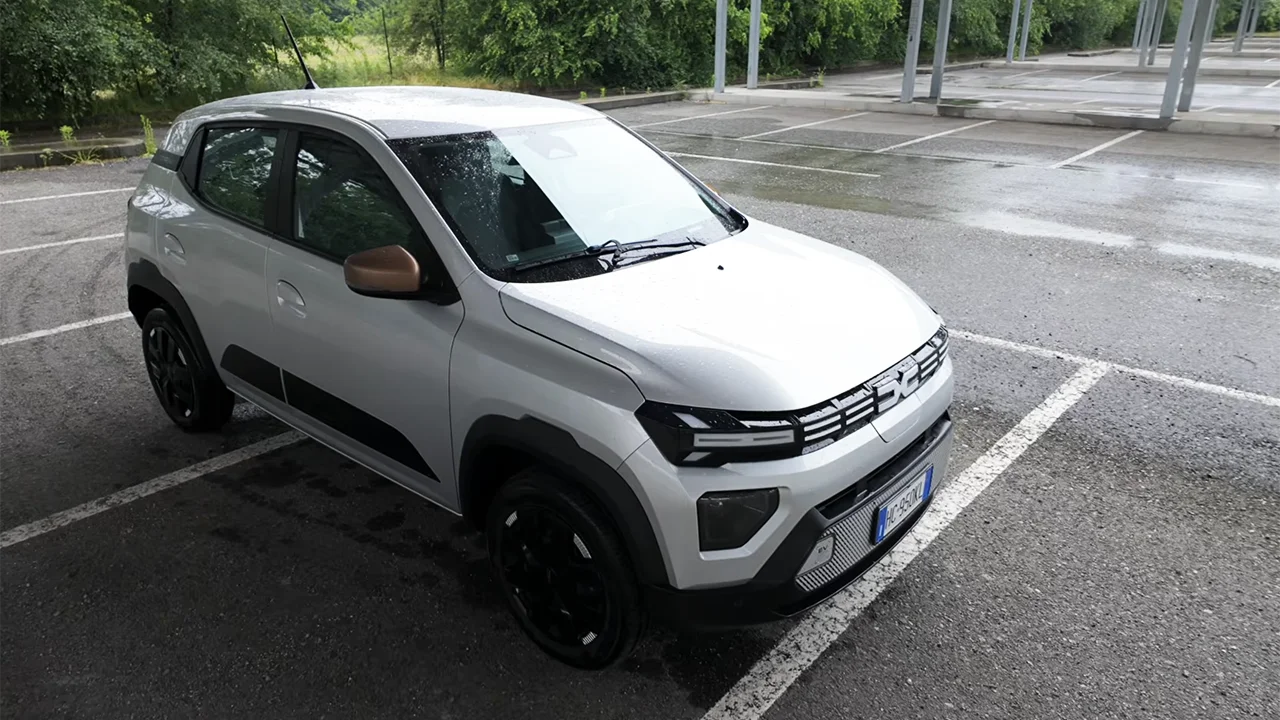
 Due settimane con Dacia Spring 2026: novità, consumi, autonomia reale e test bagagli
 Vogliono costruire un monumento per Elon Musk vicino a Starbase, ma non gli piacerebbe
 Ring Intercom Audio crolla a 39,99€ su Amazon: il citofono diventa smart con apertura da remoto
 La Francia blocca il divieto dei social agli under 15: la legge è incostituzionale
 Trump citato in giudizio: chiesto lo stop all'esclusiva su Truth Social
 PEC obbligatoria per revisione e passaggio di proprietà di auto e moto: cosa cambia con il nuovo Codice della strada
 Il ripulitore di watermark Claude da 4.500 stelle su GitHub funziona a metà
 Xiaomi 17 Ultra scambia il Sole per la Luna: compaiono crateri artificiali durante l'eclissi
 È arrivata la migliore e-bike Engwe di sempre: doppia sospensione, motore centrale, 100 Nm e smart
 Apple Mac mini M4, ecco perché conviene a 1.049€ su Amazon: 16GB di RAM, SSD da 512GB e 150€ di sconto sul listino
 Robot aspirapolvere in offerta su Amazon: MOVA, Roborock, Dreame e Lefant da 279€, anche i top a 999€
 Il nuovo pick-up elettrico di Ford è pronto: Fathom costerà 28.000 dollari
 Google Pixel 11 arriva su Amazon: preordini aperti per Pixel 11, 11 Pro e 11 Pro XL, prezzi ai minimi garantiti da 999€
 Mega sconti su attrezzi a batteria e robot, addio alle erbacce con AgriEuro e i migliori marchi
 Google Search dà per morto Sam Altman: colpa di un vandalismo su Wikipedia














0 Commenti
Gli autori dei commenti, e non la redazione, sono responsabili dei contenuti da loro inseriti - infoDevi effettuare il login per poter commentare
Se non sei ancora registrato, puoi farlo attraverso questo form.
Se sei già registrato e loggato nel sito, puoi inserire il tuo commento.
Si tenga presente quanto letto nel regolamento, nel rispetto del "quieto vivere".