


Settaggi dip-switch A7V

Lost Circuits ha pubblicato un'utile schema (può sempre capitare di perdere il manuale della MoBo ;-) ) relativo a tutti i possibili settaggi del moltiplicatore a seconda delle posizioni dei dip-switch montati sulla motherboard SocketA Asus A7V; lo trovate a questo indirizzo
Before posting an entire review, which will take a few more days to write, I thought it might be the best to simply post the dip switch settings of the ASUS A7V, by means of which the multiplier on the AMD Thunderbird can be changed. There will be a more detailed review within the next few days. In short, on the latest revision of the A7V, an additional 6 dip switch block has been added which allows to override the multiplier setting of the Thunderbird. The dip switch block is located next to that used for manual setting of the front side bus. If the board is mounted in the case, the dip switch block is upside down, with position 6 to the left and "ON" pointing down, consequently, "OFF" is up and 1 is to the right. The table refers to "ON" as "+" and "OFF" as "-". I cannot guarantee the completeness of the settings since the highest, the CPU would post was 1100 MHz (in fact, 1133 MHz since the 100 MHz bus is not consistently 100 MHz but can go as high as 102 MHz)


 Insta360 X6: Dolby Vision, 8K e montaggio "Zero Editing"
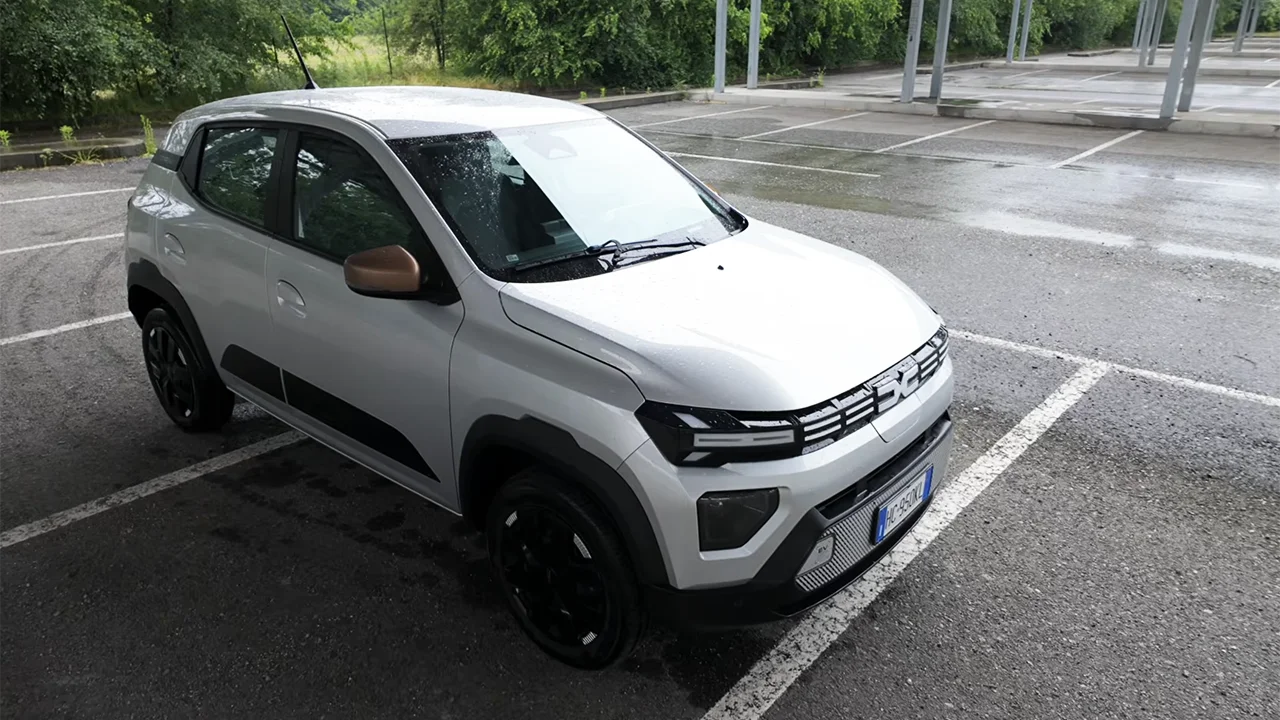
 Due settimane con Dacia Spring 2026: novità, consumi, autonomia reale e test bagagli
 AORUS GeForce RTX 5080 INFINITY WOOD 16G: una scheda video diversa dalle altre
 La NASA sta costruendo e provando i droni SkyFall che voleranno su Marte nei prossimi anni
 Northrop Grumman utilizzerà HALO di Lunar Gateway per la base lunare delle missioni Artemis
 Anthropic prepara l'IPO dei record: gli investitori stimano oltre 2.000 miliardi
_160.jpg) La beta di iOS 27 conferma i rumor, Apple ha in programma il lancio di 6 nuovi iPhone
La beta di iOS 27 conferma i rumor, Apple ha in programma il lancio di 6 nuovi iPhone HONOR esagera, il prossimo smartphone avrà una super batteria
 L'edizione speciale della Switch 2 per i 40 anni di The Legend of Zelda si mostra in foto
 Taiwan, il primo attacco hacker AI autonomo? Gli agenti si scaricano gratis
 The Lord of the Rings: War in the North ritorna con una Legacy Edition: già disponibile su console e PC
 I prezzi delle RTX 50 continuano ad aumentare: fino al +39% rispetto a giugno 2026
_160.jpg) La prossima crisi riguarderà i pannelli OLED? Apple non vuole correre rischi e inizia a fare scorte
La prossima crisi riguarderà i pannelli OLED? Apple non vuole correre rischi e inizia a fare scorte Terabyte di dati trafugati: un attacco alla supply chain espone i dati di oltre 2500 aziende
 Volo Delta 591, spunta un Wi-Fi che imita quello di bordo: connessione spenta per mezz'ora
 La scienziata lancia l'allarme: l'intelligenza artificiale rischia di spegnere la curiosità nelle scuole
 BYD Denza N8 e la super batteria: 130 kWh per 1.003 km di autonomia











0 Commenti
Gli autori dei commenti, e non la redazione, sono responsabili dei contenuti da loro inseriti - infoDevi effettuare il login per poter commentare
Se non sei ancora registrato, puoi farlo attraverso questo form.
Se sei già registrato e loggato nel sito, puoi inserire il tuo commento.
Si tenga presente quanto letto nel regolamento, nel rispetto del "quieto vivere".